The Posture Playbook

Your comprehensive resource from Recoverplanet for building a more comfortable relationship with your desk, screen, and chair.

Recoverplanet laptop posture alignment guide

Understanding Neutral Posture

Neutral posture means your spine maintains its natural curves while you work. At recoverplanet.world, we define neutral as ears aligned over shoulders, shoulders relaxed, and hips slightly above knee level when seated.

When your body deviates from this baseline, muscles compensate and fatigue accumulates over hours. Our playbook teaches you to recognize early signs of slouching and correct them before discomfort sets in.
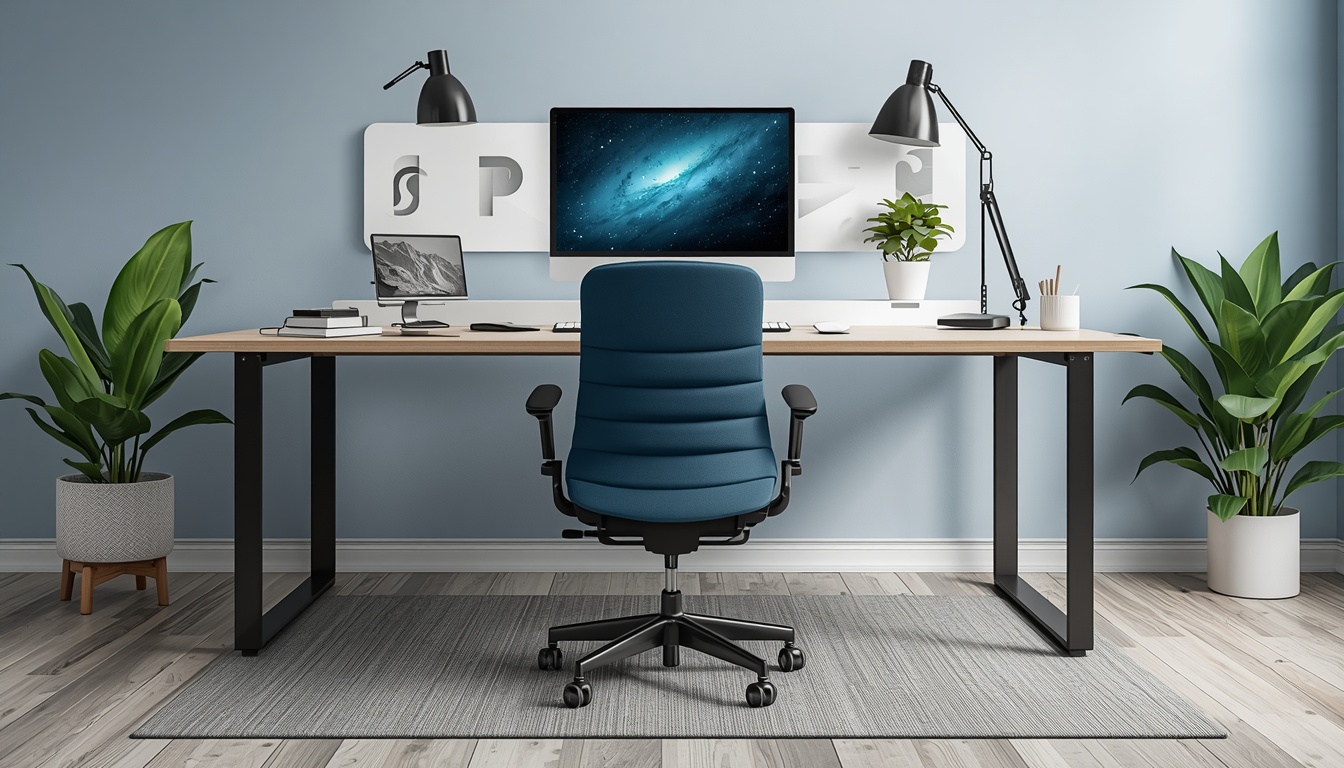
Recoverplanet chair adjustment guide

Dial In Your Seating Position

Start by adjusting seat height so your feet rest flat. Armrests should support forearms without lifting shoulders. Lumbar support belongs at the small of your back, filling the gap without forcing an exaggerated arch.

Recoverplanet recommends testing each adjustment for at least ten minutes before moving to the next, giving your body time to adapt and reveal what feels sustainable.

The 90-90-90 Rule Explained

Aim for approximately ninety-degree angles at your ankles, knees, and hips when seated. Your elbows should also rest near ninety degrees when typing. This framework from Recoverplanet provides a quick reference point, though individual body proportions may require small adjustments for optimal comfort.

Screen Placement That May Support Neck Comfort

  1. Measure Viewing Distance

    Place your primary monitor an arm's length away, typically between twenty and thirty inches depending on screen size and vision.

  2. Set Vertical Height

    Align the top edge of the screen with or slightly below your eye level. Use a monitor stand or stack of books if needed.

  3. Reduce Glare

    Position the screen perpendicular to windows when possible. Adjust brightness to match ambient light in your workspace.

  4. Dual Monitor Balance

    Center your primary display directly in front. Angle secondary monitors inward to minimize neck rotation during daily tasks.

Input Device Positioning

Keyboard Placement

Keep the keyboard close enough that your upper arms stay relaxed at your sides. Avoid reaching forward, which rounds the shoulders and strains the upper back over time.

Mouse and Trackpad Use

Place your mouse on the same surface as your keyboard at elbow height. Switch hands periodically or use keyboard shortcuts to reduce repetitive strain on one side.

Micro-Breaks That Reset Your Body

Shoulder Rolls

Every thirty minutes, roll shoulders backward five times, which may help ease muscle tightness from forward-leaning posture.

Chin Tucks

Gently draw your chin back to align ears over shoulders. Hold for five seconds and repeat three times per break.

Standing Stretches

Stand and reach overhead for ten seconds, then fold forward gently to lengthen the spine after prolonged sitting.

Put These Guides Into Practice

Browse our workspace gear collection or reach out to Recoverplanet for guidance on applying these principles to your unique setup.

View Workspace Gear