Recoverplanet delivers practical guides based on widely accepted ergonomic principles to help you sit, stand, and work at your desk with greater comfort.
Hours at a screen can strain your neck, shoulders, and lower back when alignment is off. At recoverplanet.world, we share widely accepted ergonomic principles in clear steps anyone can follow at home or in the office.
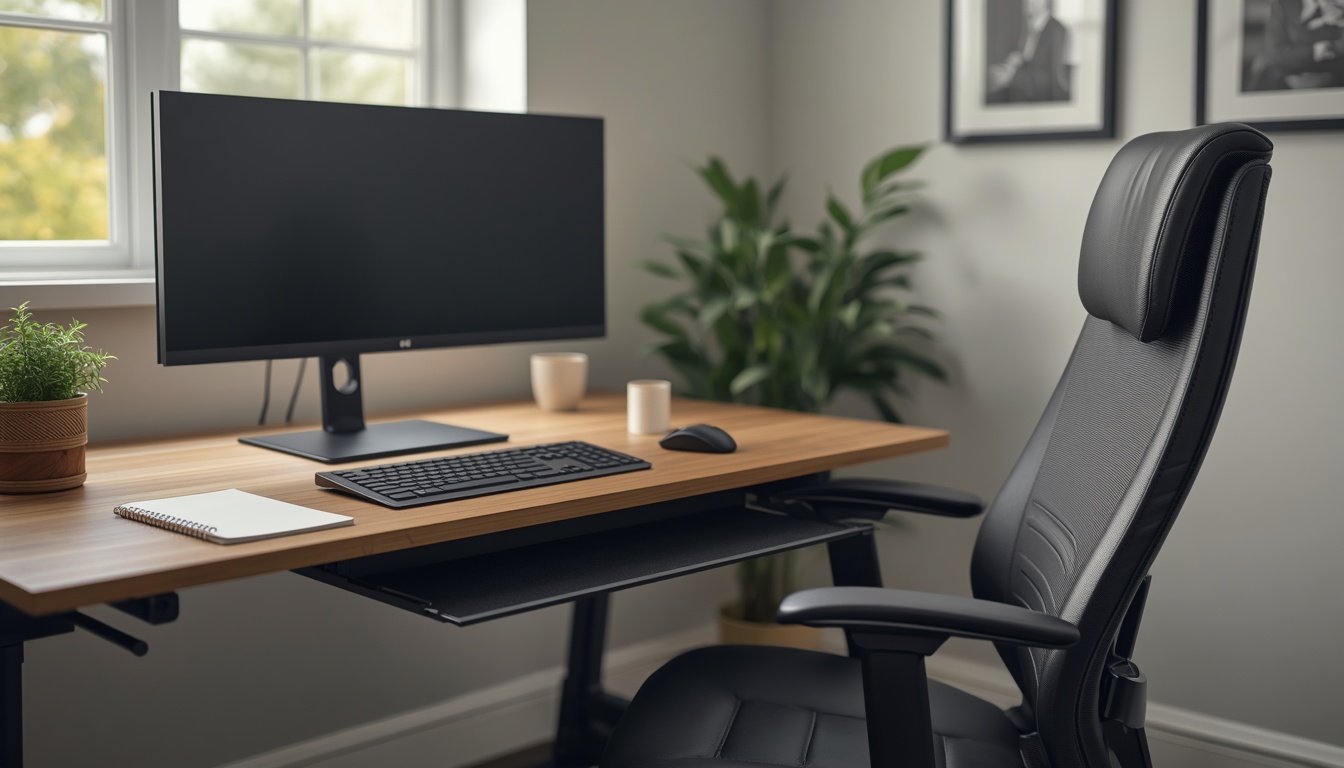
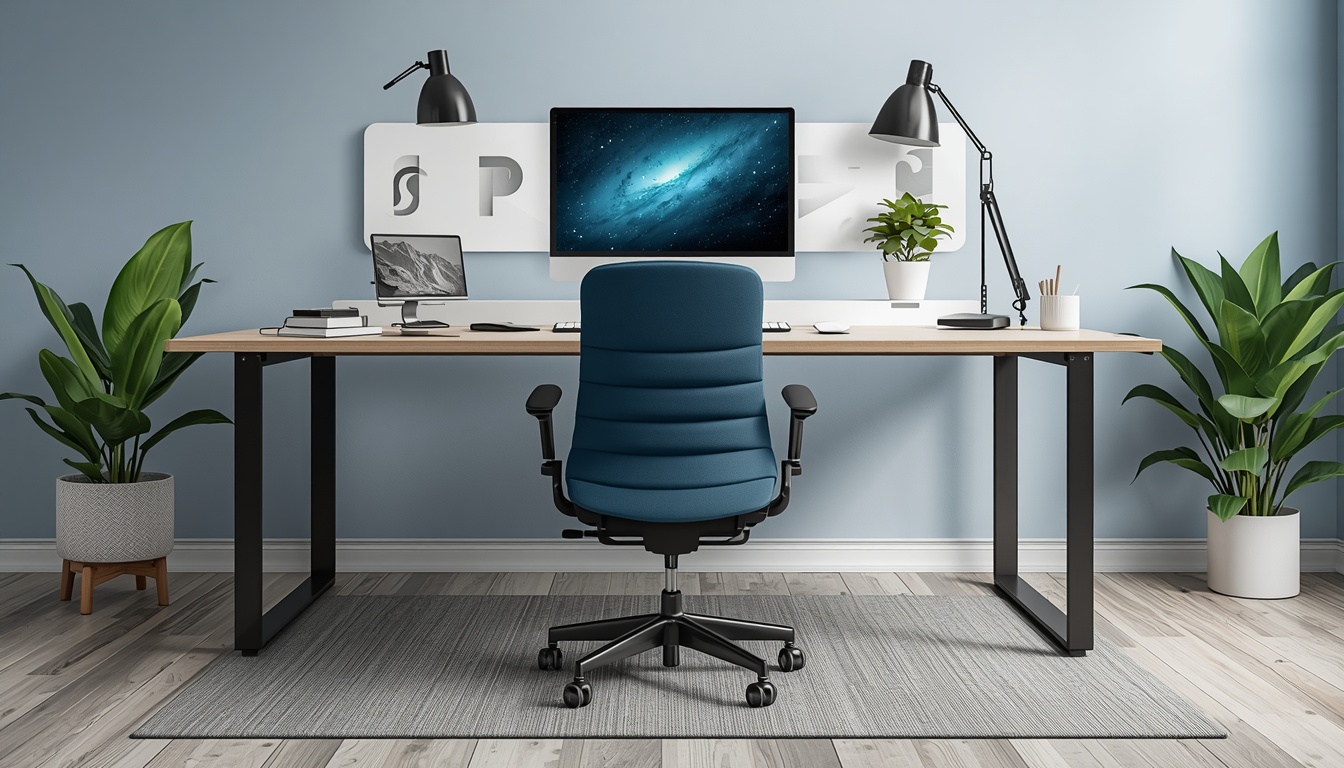
Our guides focus on monitor height, chair setup, keyboard placement, and mindful movement breaks that keep your body supported throughout long sessions.
Learn exact angles and distances for monitor, keyboard, and chair so your setup fits your body, not a generic template.
Discover micro-break routines and stretch sequences designed for desk workers who need simple, repeatable habits.
Access updated posture guides from Recoverplanet that evolve with new workspace trends and remote work patterns.
Understand how to maintain a natural curve from head to pelvis while typing, clicking, and reading on screen.
Read MorePosition your monitor so your gaze lands at the top third of the display, which may help reduce neck tilt and eye strain for some users.
Read More
The monitor height guide from Recoverplanet gave me clear steps to adjust my screen. I found the instructions straightforward and easy to apply at my desk.
The workspace assessment kit from recoverplanet.world helped me reorganize my home office in under an hour. Clear and actionable.
I share these posture guides with my entire team. Recoverplanet makes ergonomic principles easy to understand and apply daily.
Individual results may vary. Testimonials reflect personal experiences and do not guarantee specific outcomes.
Connect with Recoverplanet for practical posture guidance and discover guides suited to your desk setup.
Contact Us Today